Elastic AutoOps
AutoOps is now free for every Elasticsearch user
Real-time issue detection, automated root cause analysis, performance recommendations and cost insights for all self-managed clusters. No license required, no infrastructure to manage.

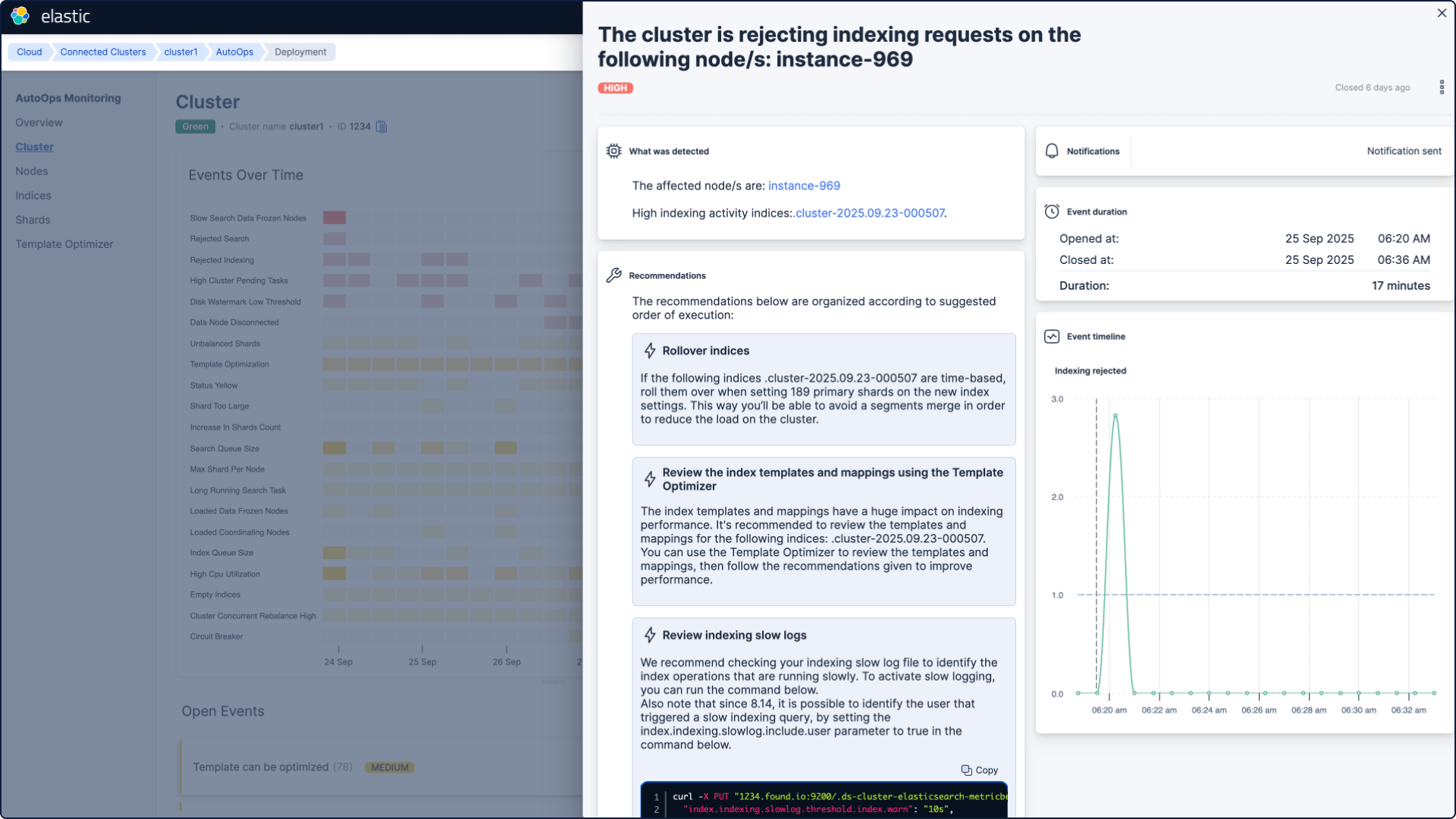
Instant insights, intuitive ops
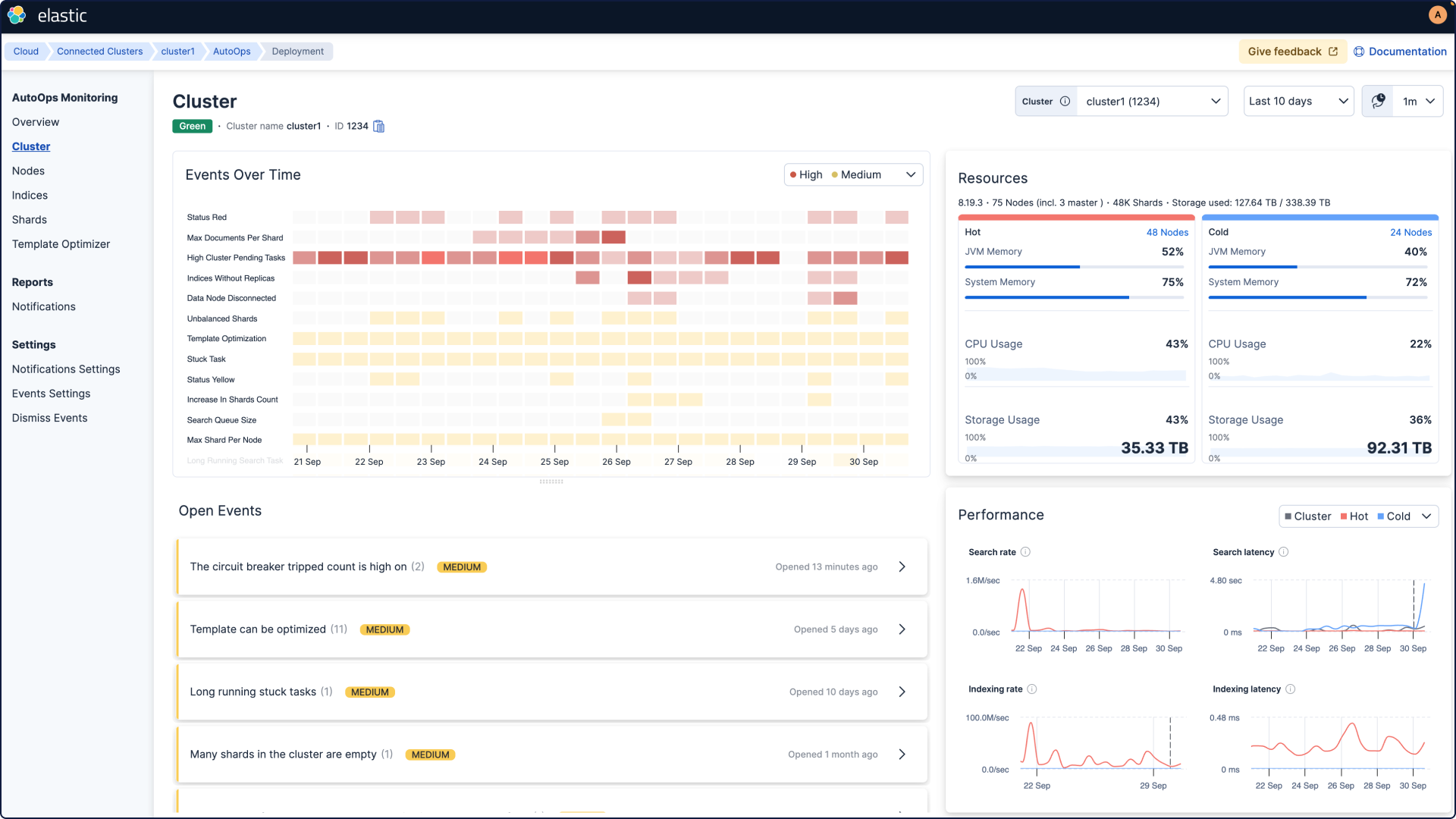
Get real-time insights and suggested fixes to keep your system healthy. Save time and money with smarter operations.



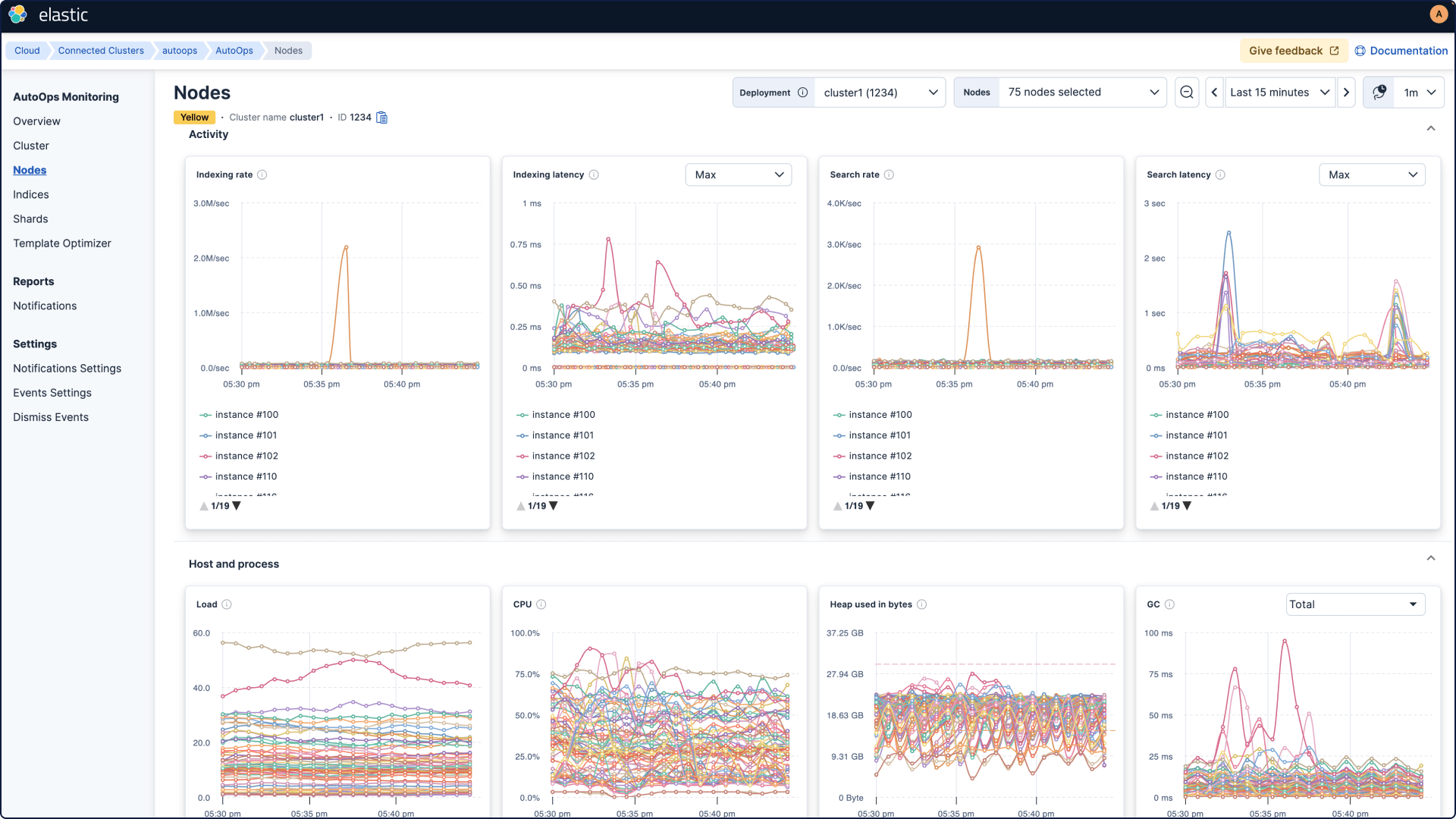
Easy Elasticsearch cluster management
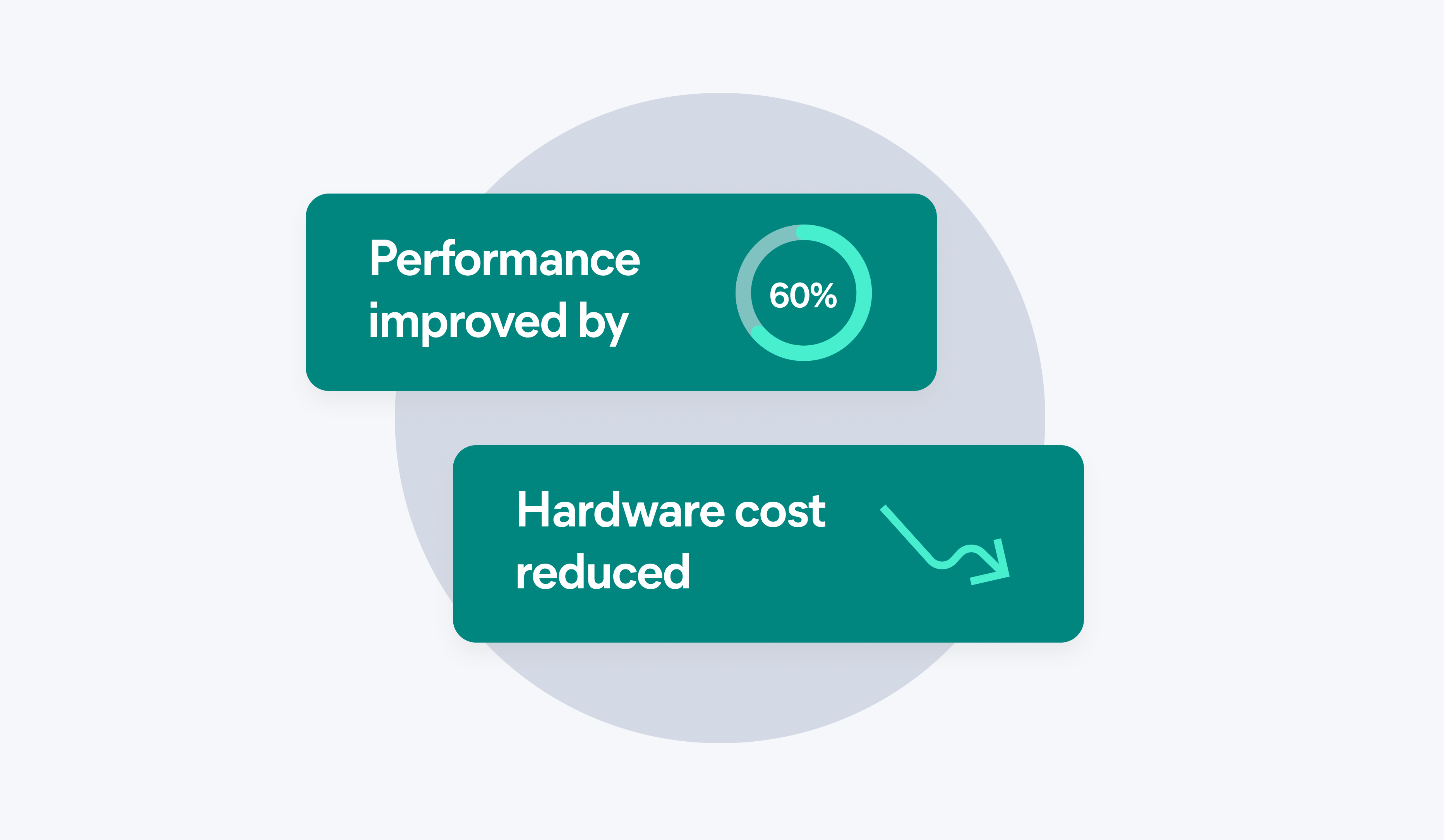
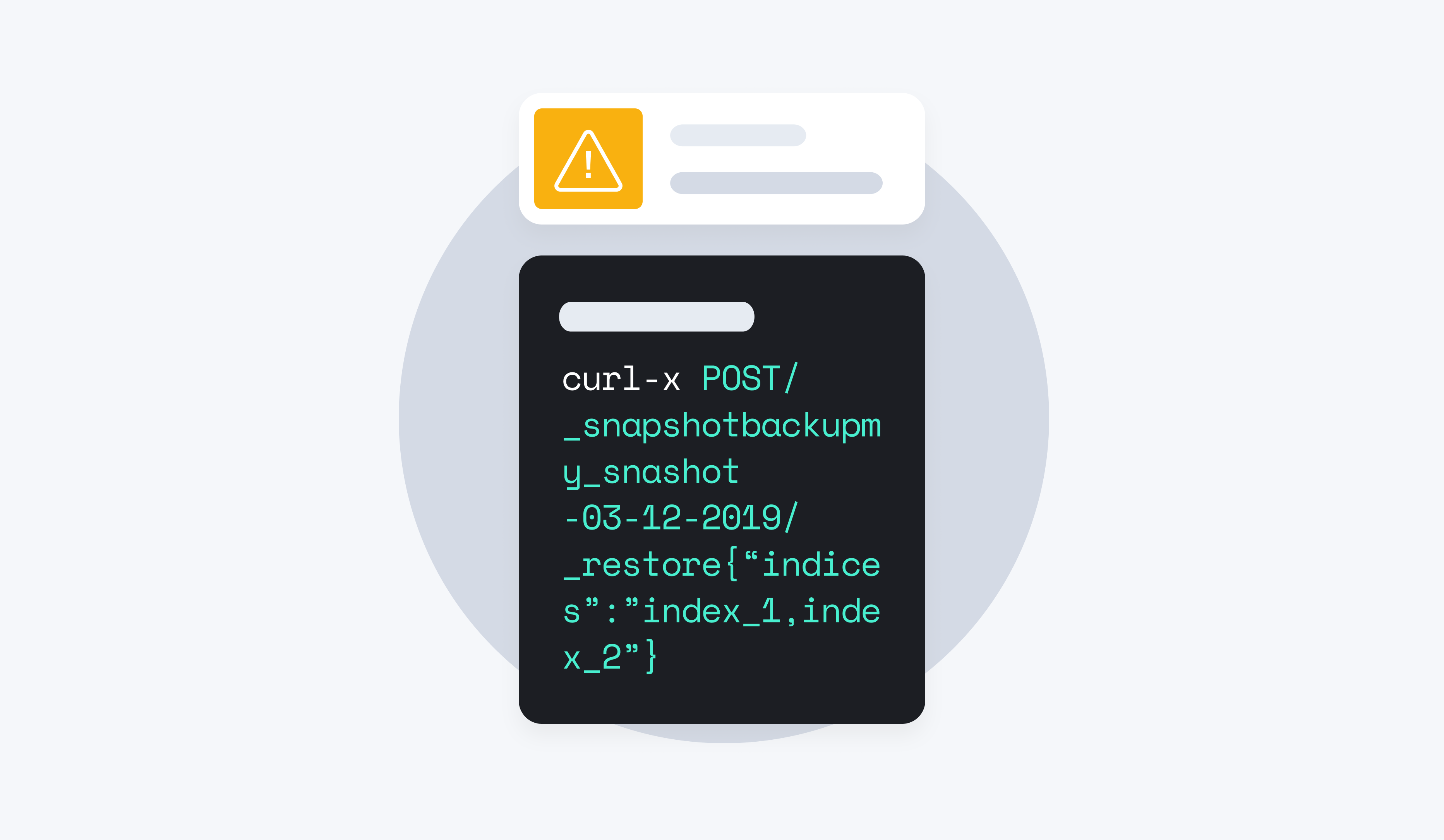
Find out how AutoOps can help you simplify Elasticsearch management, fix problems quickly, improve performance, and save on hardware costs.


Deploy your way
AutoOps is now available for all Elastic deployments, giving you the flexibility to simplify cluster management wherever you run Elastic.

For self-managed: Simple setup via Cloud Connect
Get started in minutes. A lightweight agent securely sends operational metrics (not your data) to AutoOps in Elastic Cloud. This is available to customers with an active Enterprise subscription at no additional cost.

For Elastic Cloud: A fully integrated experience
When you use Elastic Cloud, AutoOps is fully integrated, meaning zero setup is required. It automatically monitors your deployments, providing insights and recommendations directly within the Elastic Cloud console. There's nothing to install or configure — it just works.
Easy setup via Cloud Connect
Bring the power of AutoOps to your self-managed clusters with Cloud Connect. Using a lightweight agent, securely send operational metrics (not your data) to AutoOps in Elastic Cloud.


Frequently asked questions
Availability, access, licensing, and more
What versions of Elasticsearch are supported?
What versions of Elasticsearch are supported?
AutoOps follows the official Elastic support policy, which means it supports Elasticsearch versions 7.17 and later. For all the details, you can check out the supported Elastic versions.
How do I access AutoOps on Elastic Cloud Hosted?
How do I access AutoOps on Elastic Cloud Hosted?
Elastic Cloud Hosted users: If your cloud provider and region are listed on the AutoOps regions page, you should see a button to access AutoOps on your deployment page.
Hosted trial users: When running a trial in a region where AutoOps is available, users should wait for up to 20 minutes for AutoOps to be applied, and up to a further 20 minutes for metrics and data to appear in AutoOps dashboards.
How do I connect to AutoOps for self-managed?
How do I connect to AutoOps for self-managed?
- Log in or create an Elastic Cloud account.
- Decide how to run the agents (Docker, Linux, or Kubernetes)
- Select configuration settings
- Get a single command to install the agent.
For more information, visit Connect your self-managed cluster to AutoOps.
How is AutoOps currently licensed?
How is AutoOps currently licensed?
AutoOps is free for all self-managed Elasticsearch users, regardless of license tier. No Enterprise or Platinum license is required.
For more information, please refer to the cloud subscriptions page and self-managed subscription page. Using AutoOps does not consume customer ECU.
How long does Elastic retain AutoOps data?
How long does Elastic retain AutoOps data?
Currently, AutoOps has a 10-day retention period.
Where are AutoOps metrics stored, and does AutoOps affect customer ECU usage?
Where are AutoOps metrics stored, and does AutoOps affect customer ECU usage?
AutoOps metrics are stored internally within Elastic's infrastructure, not on customer deployments. Therefore, using AutoOps does not consume customer ECU.
What kind of dark magic does AutoOps use to find issues in my cluster?
What kind of dark magic does AutoOps use to find issues in my cluster?
It's not magic, it's just some seriously clever tech. AutoOps analyzes operational metrics from your cluster: think shard sizes, CPU usage, and memory pressure to detect common performance bottlenecks and resource-related issues before they become critical problems. AutoOps does the heavy lifting so you don't have to.
Will AutoOps automatically fix my problems?
Will AutoOps automatically fix my problems?
Not just yet, but it gives you the next best thing: customized recommendations. For every issue it finds, AutoOps provides clear, actionable steps you can take to resolve it. It’s like having an Elastic expert on standby, guiding you on how to optimize your nodes and indices.
My security team is asking about the agent. What data is it sending and is it secure?
My security team is asking about the agent. What data is it sending and is it secure?
Elastic Agent only extracts and sends cluster metrics to Elastic Cloud, not the underlying data within your cluster. For more information, please refer to the documentation.
I live in Slack. Can AutoOps send me alerts there?
I live in Slack. Can AutoOps send me alerts there?
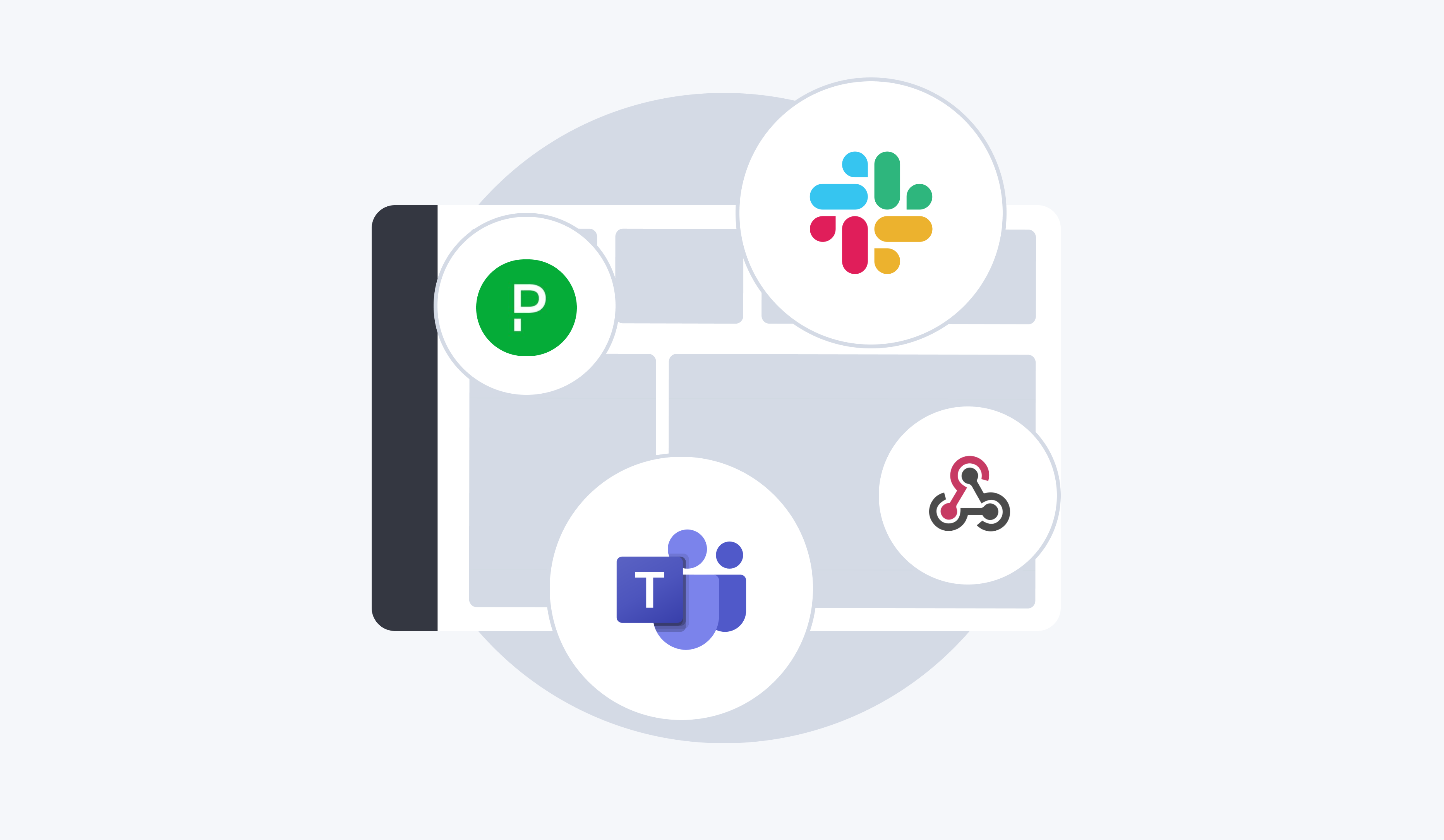
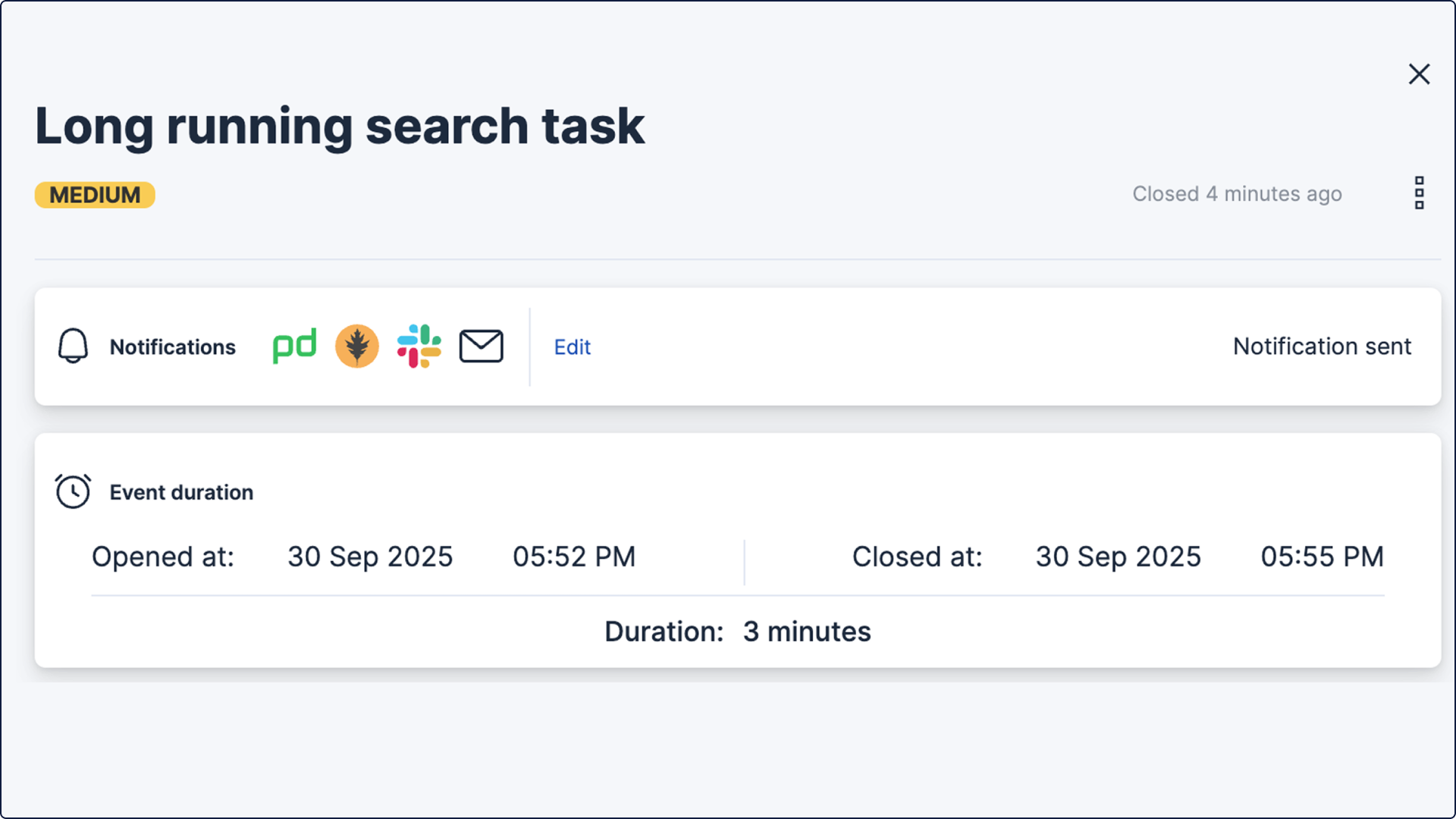
Absolutely. AutoOps can notify you where you work. You can set up alerts for a variety of services, including Slack, PagerDuty, Microsoft Teams, and even a custom webhook. That way, you'll get a heads-up on critical issues right away, without having to stare at a dashboard all day.