
About cookies on this site Our websites require some cookies to function properly (required). In addition, other cookies may be used with your consent to analyze site usage, improve the user experience and for advertising. For more information, please review your options. By visiting our website, you agree to our processing of information as described in IBM’sprivacy statement. To provide a smooth navigation, your cookie preferences will be shared across the IBM web domains listed here.
Learning Path
IBM Event Streams Developer Essentials
Built on open source Apache Kafka, IBM Event Streams is an event-streaming platform that helps you build smart applications that can react to events as they happen. Some typical use cases which are centred around Event Streams are:
- Real-time Stream Processing: Kafka excels in analyzing and responding to data in motion, supporting low-latency processing.
- Event Based Architectures: Kafka's publish-subscribe model is ideal for building scalable and loosely coupled systems based on events.
- Data Pipelines: Kafka serves as a central, reliable hub for seamless data flow across diverse systems, edge devices, data lakes, and analytics platforms
See the Event Streams Use Cases page for more examples.
IBM Event Streams offers a fully managed Apache Kafka service, ensuring durability and high availability for your solutions. By using Event Streams, you have support around the clock from our team of Kafka experts.
Depending on your requirements, the service offers 3 different plans:
- Lite plan - a limited set of capabilities, free for anyone who wants to try out Event Streams or build a proof-of-concept
- Standard plan - supports event ingest and distribution capabilities but do not provide any of the additional benefits of the Enterprise plan
- Enterprise plan - provides data isolation, higher performance, and additional capabilities suited to more demanding applications
You can find more details about each of these plans in the IBM Event Streams documentation.
Key capabilities of IBM Event Streams
Event Streams offers an enterprise ready, fully managed Apache Kafka service. This means that you can build your applications with the reassurance that the IBM Event Streams service is providing High availability and reliability, Security and Compliance.
High availability and reliability
Event Streams offers a highly available and reliable Apache Kafka service running on IBM Cloud. Event Streams provides high availability via a multi-zone region deployment that protects against single points of failure, up to and including a data center loss.
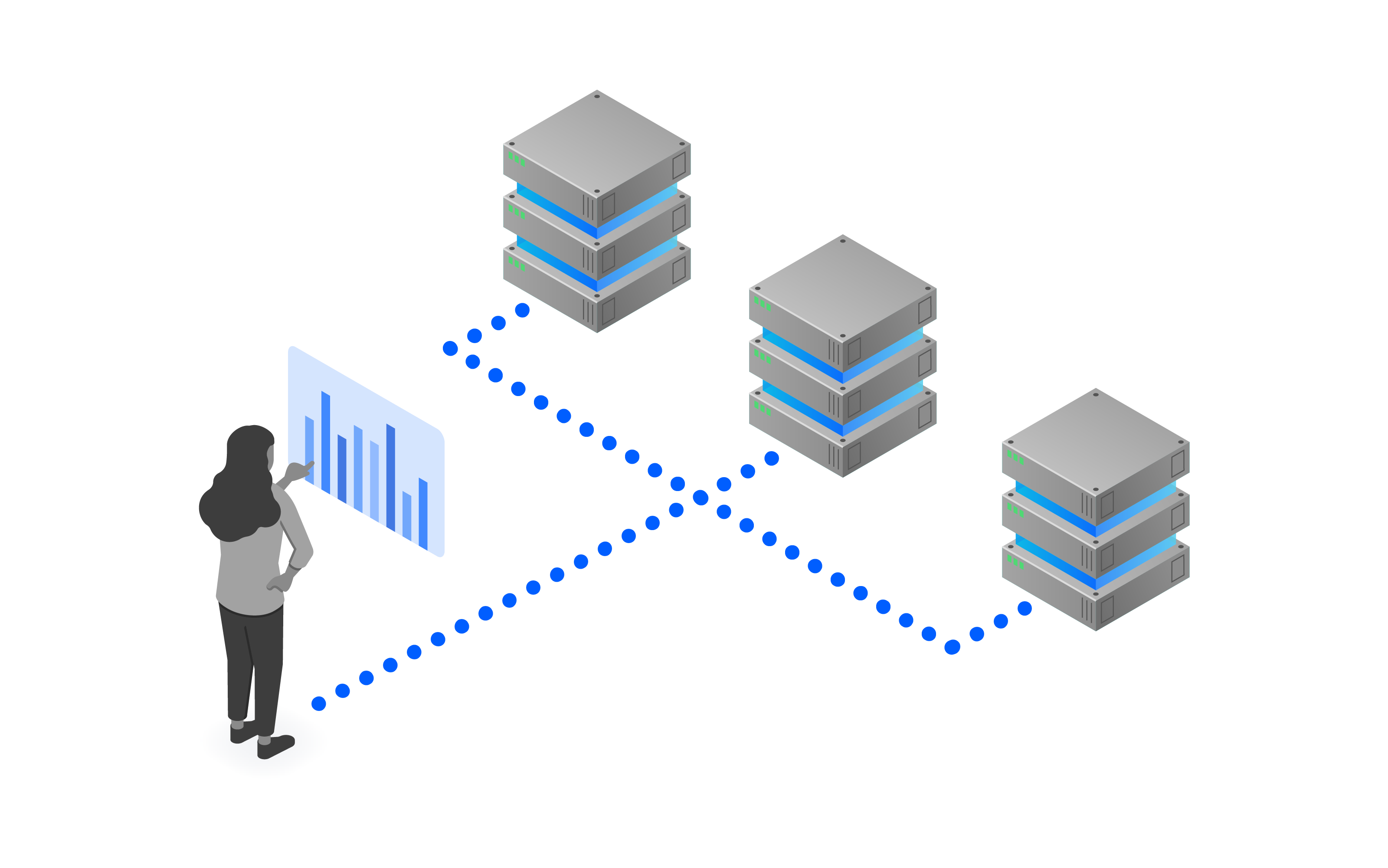
The Kafka cluster that runs in the IBM Event Streams service is configured in such a way to optimize the use of the multi-zone deployment that ensures maximum reliability and availability, including the following:
replication.factor = 3(three replicas of each message are stored by Event Streams)min.insync.replicas = 2(a message must be sent to two of the three replicas before it is considered successfully "received" by Event Streams)
With this configuration, the Event Streams service can offer 99.99% availability to connected applications.
Security
Security is crucial when building your applications, however it can also require a large amount of effort to establish and maintain a secure architecture. With Event Streams you can build your applications with the knowledge that the following aspects of security are provided:
- Data security and privacy
- Customer managed encryption of data at rest
- Access to Event Streams resources
- Restricted access to an Event Streams instance
Data security and privacy
Event Streams ensures the security and integrity of your data by enforcing the use of encryption for data transmitted between Event Streams and clients. When clients connect to Event Streams, clients must be configured to use a security protocol of SASL_SSL, which uses the industry standard Transport Level Security (TLS) protocol to protect data in transit. Authentication is performed using either the SASL Plain or SASL OAUTHBEARER mechanisms. This configuration:
- Ensures that all communications are encrypted
- Validates the authenticity of the brokers preventing man-in-the-middle attacks
- Enforces authentication on all connections
Event Streams stores message data at rest and message logs on encrypted disks. It is also possible, when using the Enterprise plan, to provide your own encryption key which offers the additional benefit of being able to control the lifecycle of the data stored by Event Streams
You can read the Event Streams documentation to learn more about:
Access to Event Streams resources
Integration with IBM Cloud Identity and Access Management (IAM) allows you to define policies that specify fine-grained authorization to Event Streams resources, such as cluster, topic, and group (consumer groups).
A policy applies a role to a resource type and optionally specifies the set of resources of that type.
Roles available are Reader, Writer and Manager with increasing levels of access. What can be performed on a resource is dependent on that resourcetype, so for example with a topic the Reader role can consume from a topic, and a Writer can consume and produce to a topic (because Writer can do whatever a Reader can do and more).
An example of such a control would be to allow a service id to consume in a consumer group (Group1), only from a specific topic (Topic1). The following policies would be required to achieve this:
| Role | ResourceType | Resource | Description |
|---|---|---|---|
| Reader | cluster | The service id has access to the event streams cluster | |
| Reader | group | Group1 | Consumers in Group1 are able to consume messages |
| Reader | topic | Topic1 | Messages from Topic1 are available to be consumed |
More information about access to Event Streams resources is available in the documentation.
Restricted access to an Event Streams instance
By default, Event Streams instances are configured to use the IBM Cloud public network, so they are accessible over the public Internet. However, with the Enterprise plan, if your workload is running entirely within the IBM Cloud, and public access to the service is not required, Event Streams instances can instead be configured to be accessible only over the IBM Cloud private network. Additionally, you can use network type or context-based restrictions to restrict the network connectivity on the Enterprise plan. For more information, see Restricting Network Access.
Compliance
As well as offering a secure, available, reliable, and scalable service, using IBM Event Streams means that you are running Kafka in a way that is compliant with a large number of standards, including:
- GDPR
- Privacy Shield
- ISO 27001, 27017, 27018
- SOC 1 Type 2, SOC 2 Type 2, and SOC 3 Certification
- HIPAA ready (Enterprise plan only)
- PCI (Enterprise plan only)
- ISMAP
- C5
- IRAP (Enterprise plan only)
For the full compliance overview of Event Streams, see this page
Do not underestimate how much effort is involved in ensuring compliance with all of these standards. With IBM Event Streams, you are able to focus on building your applications safe in the knowledge that compliance has been taken care of for you.
Using IBM Event Streams
There are a number of different ways to interact with an Event Streams instance. Depending on the task you need to do, the following interfaces are available to you:
- Event Streams CLI
- Event Streams APIs
- Event Streams UI
There is also a comprehensive set of Event Streams samples available to help you get familiar with the service.
Event Streams CLI
The Event Streams CLI is a plugin for the IBM Cloud CLI. It allows you to view the details of and to manage an Events Stream instance. It offers a number of different commands, providing the ability to retrieve information about and manage aspects of the following:
- brokers
- cluster
- topics
- groups
- mirroring
Review the IBM Event Streams documentation to for details on installing and configuring the Event Streams CLI. Also, review the CLI reference page, which provides details of the available commands.
Event Streams APIs
IBM Event Streams provides several APIs for interacting with the service:
- Kafka API - The standard Kafka APIs are all available on an IBM Event Streams instance.
- Admin REST API - The Admin API offers a REST-based way to perform administrative actions, such as creating and deleting Kafka topics.
- REST Producer API - Produce messages to a topic using a REST-based interface, for clients that cannot make use of a Kafka client.
- Schema Registry API - Supports using schemas for defining the format of messages, and ensuring consistency and compatibility between different versions of an application. This API is only available on the Enterprise plan.
Event Streams UI
The Event Streams UI is part of the IBM Cloud console. Providing a convenient and user friendly view onto your service instance. You can browse, create and edit topics, search topics and consumer groups, and integrate with IBM Cloud Monitoring and Observability services.
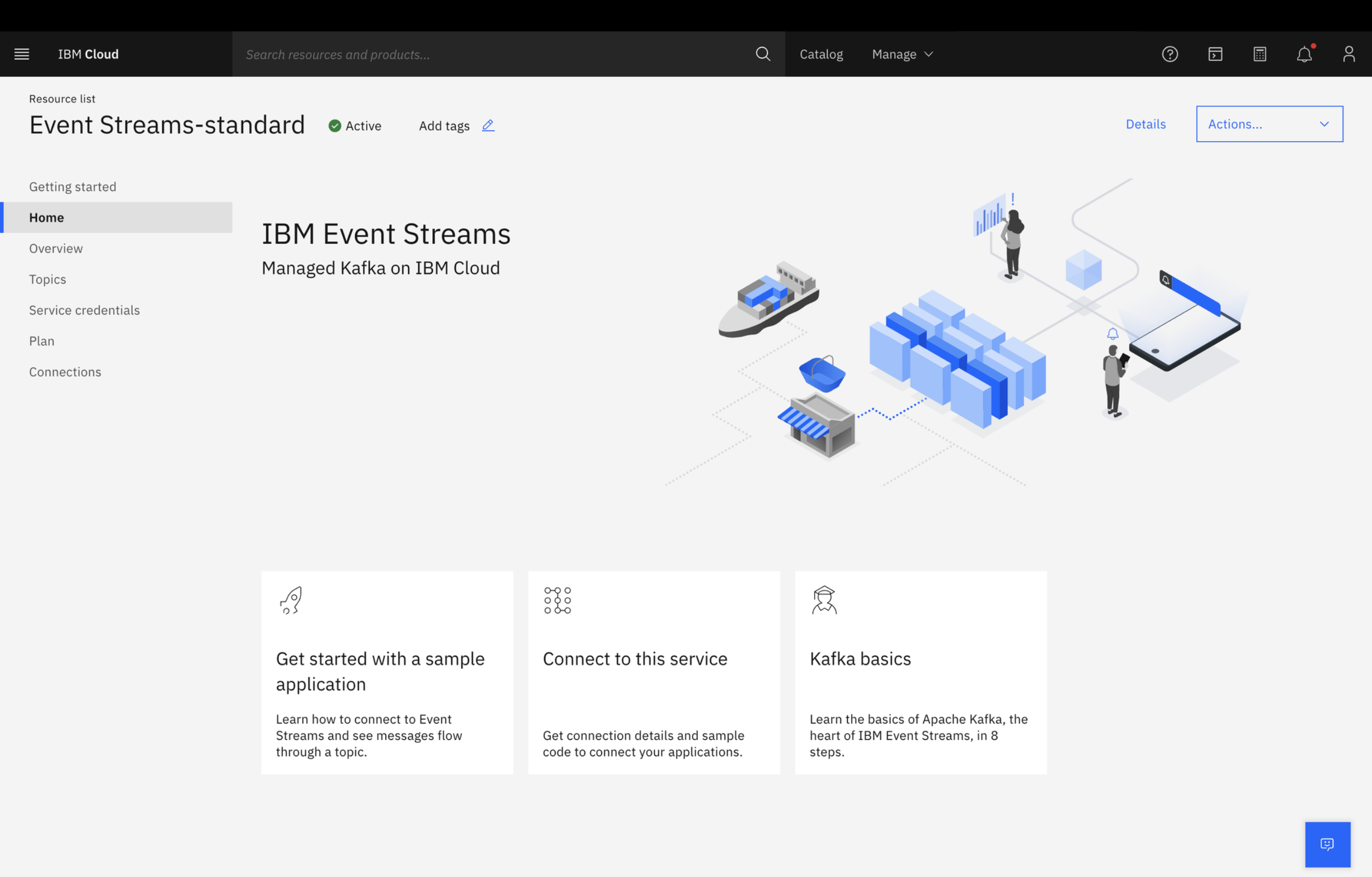
From the UI you can also obtain information about how to connect to your instance with details of the requirements for a client, including a sample configuration to get you up and running quickly.
Event Streams Samples
To help you get started using IBM Event Streams, you can choose from a selection of sample applications available. The samples are available in a variety of languages, including Java, Nodejs, and Python.
A good starting point is this Getting Started documentation , or the complete set of samples are available in our event-streams-samples GitHub repo.
Summary and next steps
You have learned that Event Streams is a fully managed Apache Kafka service, offering all you need to build enterprise ready event based applications. Now it is time to take a deeper look at the Apache Kafka fundamentals to understand how to start building those applications.
Read more about these IBM Event Streams capabilities here