
About cookies on this site Our websites require some cookies to function properly (required). In addition, other cookies may be used with your consent to analyze site usage, improve the user experience and for advertising. For more information, please review your options. By visiting our website, you agree to our processing of information as described in IBM’sprivacy statement. To provide a smooth navigation, your cookie preferences will be shared across the IBM web domains listed here.
Blog post
Modernizing Java applications: A smarter, simpler, easier way with IBM Enterprise Application Service for Java (EASeJ)
Modernizing Java apps doesn’t have to be a headache...Here’s how
Enterprise teams are under pressure to innovate, but many are held back by technical debt and limited resources. When modernizing your application estate can take around 150 person-years of effort, it’s no wonder progress gets delayed.
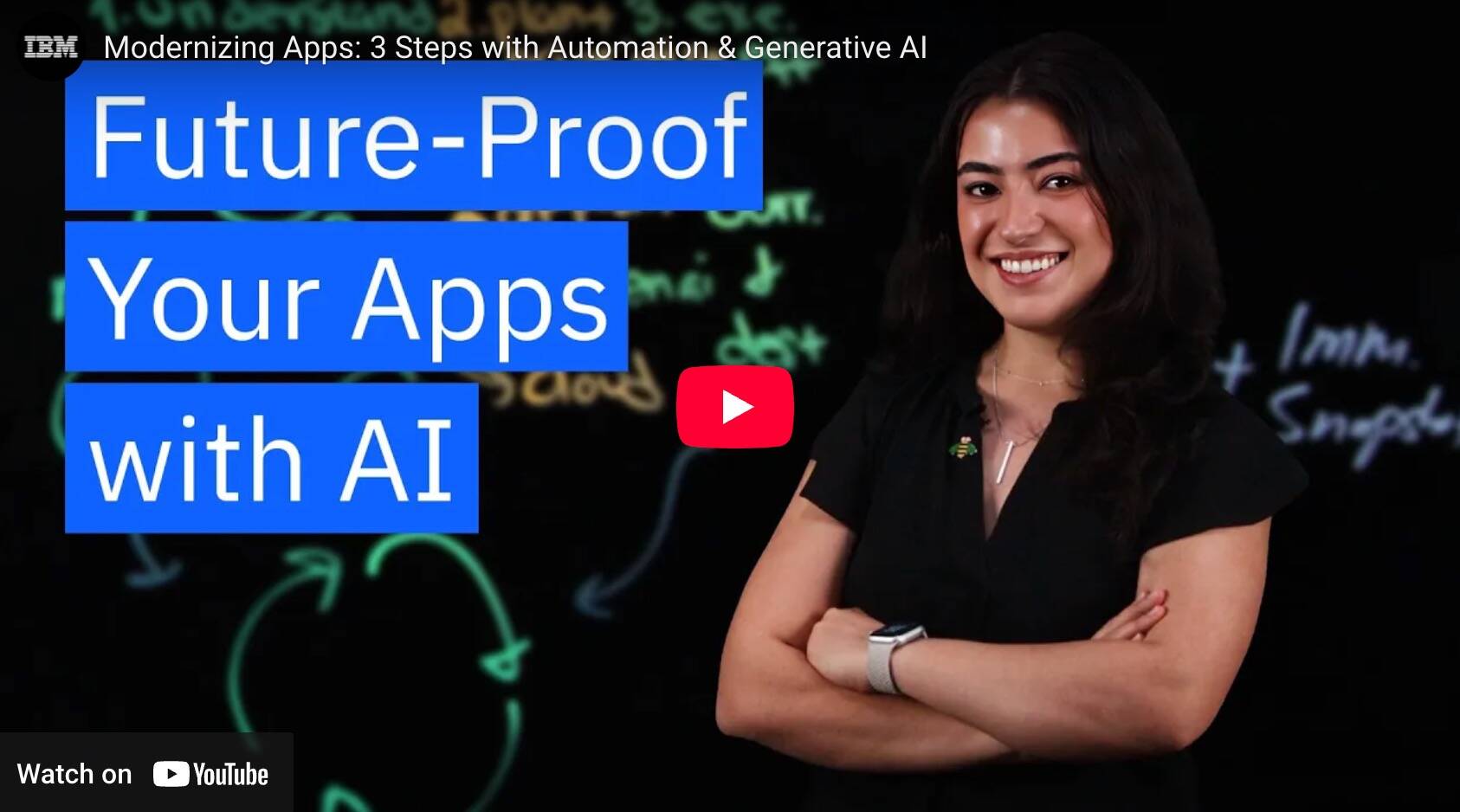
But with the right tools—and the right plan—modernization can be faster, smarter, and simpler. In our latest lightboard video, we walk through key aspects of your modernization journey using automation, generative AI, and fully managed cloud services.
Watch the lightboard video now:
Video will open in new tab or window.
Your application modernization journey
Here's a quick summary of what we cover in the video:
Step 1: Understand Your Environment
Before you can modernize, you need to know what you have. That means discovering and visualizing your applications and their dependencies—everything from databases to messaging tools. IBM Enterprise Application Service for Java (EASeJ), our fully managed cloud service for Java, includes the Application Modernization Accelerator (AMA) tool to make the process clear and actionable.
Step 2: Plan and Prioritize
Not every app needs to be moved or rewritten. Planning means understanding your current setup, your ideal destination, and how everything connects. Will your database stay on-prem or move to the cloud? These kinds of decisions are critical to streamline the modernization journey and reduce risk.
Step 3: Execute with Automation and AI
Once your plan is in place, it's time to act. But manually rewriting code is where things can get expensive. Instead, automation can handle simpler migrations, and for the more complex ones, watsonx Code Assistant (wCA) can recommend changes, explain legacy code, and even generate unit tests.
Why IBM EASeJ?
IBM Enterprise Application Service for Java (EASeJ) removes the burden of infrastructure management by offering a fully managed application runtime. That means your team can focus on evolving applications, not maintaining environments. With native integration into the IBM Cloud ecosystem, it’s built for scale, security, and speed.
Read more IBM EASeJ in this announcement.