
About cookies on this site Our websites require some cookies to function properly (required). In addition, other cookies may be used with your consent to analyze site usage, improve the user experience and for advertising. For more information, please review your options. By visiting our website, you agree to our processing of information as described in IBM’sprivacy statement. To provide a smooth navigation, your cookie preferences will be shared across the IBM web domains listed here.
Article
Sharing MQ JMS conversations over channel instances
Use the IBM MQ SHARECNV channel attribute to tune the number of channel instances for JMS applications
IBM MQ applications connect to a queue manager and perform one or more operations over that connection before disconnecting. Each of these connections is known as a conversation.
For example, if a client application issues certain MQ API calls (MQCONNX, MQOPEN, MQGET, MQCLOSE, or MQDISC), then it will have had one conversation with a queue manager. The conversation starts as part of the MQCONNX call and ends when the application calls MQDISC.
Now, if an application connects to a queue manager using TCP/IP, then each conversation will flow over a channel instance (or TCP/IP connection, if you prefer to think of it in those terms). Conversation sharing allows multiple conversations from a single application to the same queue manager to use the same channel instance. The following diagram depicts this:
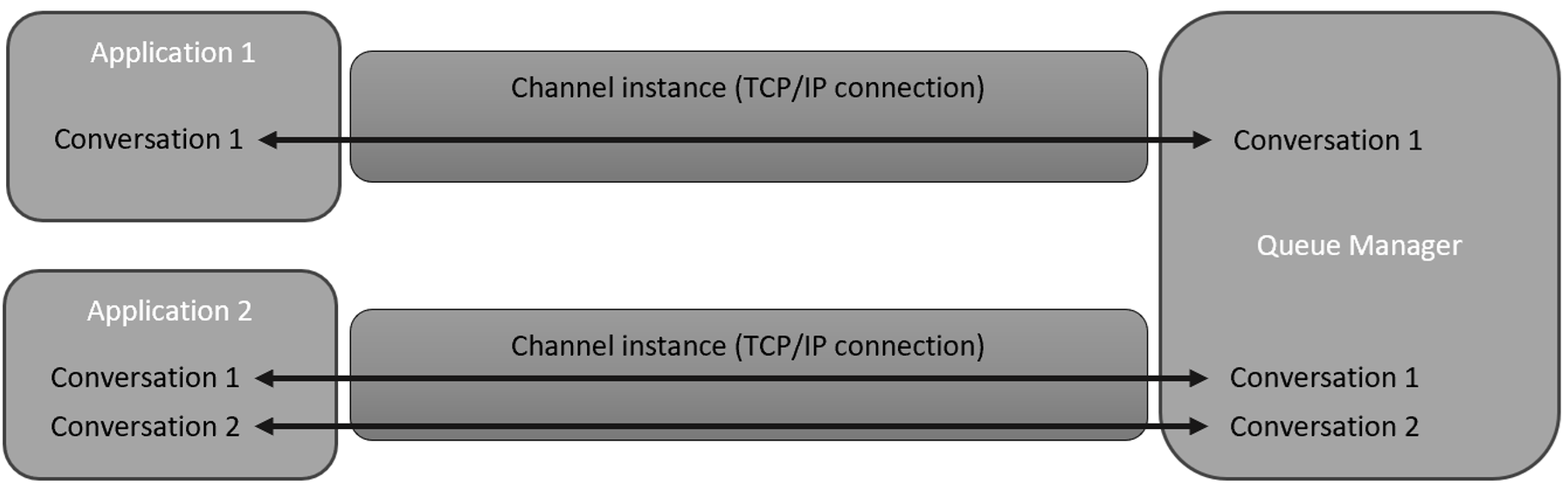
The SHARECNV channel attribute
The number of conversations that can be shared over a single channel instance is specified by the channel attribute, SHARECNV. The default value is 10.
A high value for SHARECNV reduces the number of channel instances between an application and a queue manager. However, there will potentially be a lot of contention on each instance, as a lot of conversations will be flowing over them.
Setting SHARECNV to 1 can give better performance to an application, as each conversation will have its own dedicated channel instance that will not be used by anything else. The only downside to this approach is that it can result in a lot more channel instances which take up resources on both the queue manager and the local systems.
It is also possible to set SHARECNV to 0. However, this is a special value that causes applications to connect in a compatibility mode. Here, each conversation will have its own channel instance (the same as when SHARECNV is set to 1). The difference, though, is that the application will use the MQ V6 API when communicating with a queue manager and it will not be able to take advantage of any of the features that have been added in MQ 7 and later. For this reason, setting SHARECNV to 0 should only be used if directed by IBM.
Read more about tuning client and server connection channels in the IBM MQ docs.
A sample JMS application that uses SHARECNV
Let’s look at conversation sharing in a typical JMS application.
The following table shows how many conversations are created by JMS applications:
| JMS Object | Number of conversations |
|---|---|
| JMS Context | 2 for the first context, 1 for each new context created from the first one |
| JMS Connection | 1 |
| JMS Session | 1 |
The examples we will review in this article are based on the JMS 2.0 sample application, ConversationSharingTest, which can be found in the mq-dev-patterns repo.
This application will connect to the queue manager QM1 using the channel JMS.SVRCONN. For this article, my queue manager is running MQ 9.3.5, and the channel has the SHARECNV attribute set to its default value of 10.
Also, this application contains several calls to Thread.sleep(). These calls cause the application to pause, which will give us time to check how many conversations it has created at each step.
OK, now let’s run the sample application and see what happens!
Running the application with the default value of SHARECNV
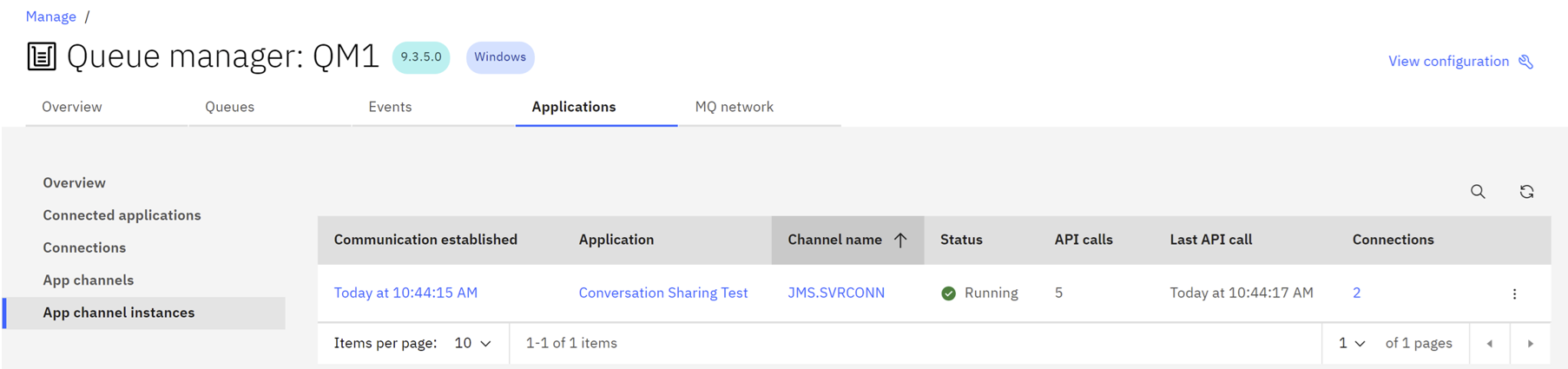
The first thing the application does is create a JMSContext for QM1 and then sleeps for 60 seconds.

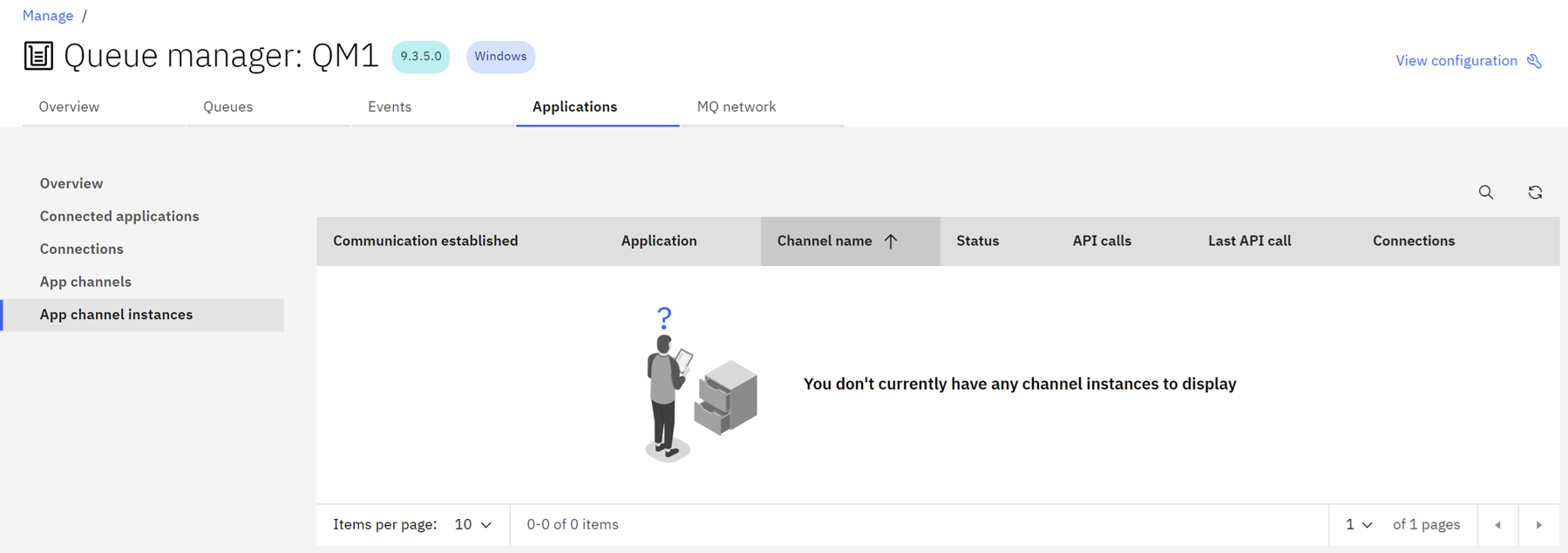
If we look at the App channel instances page in the MQ Console, we can see that there is a single instance of the server connection channel JMS.SVRCONN which has two conversations (or connections) on it. These are the conversations used by the JMS context.
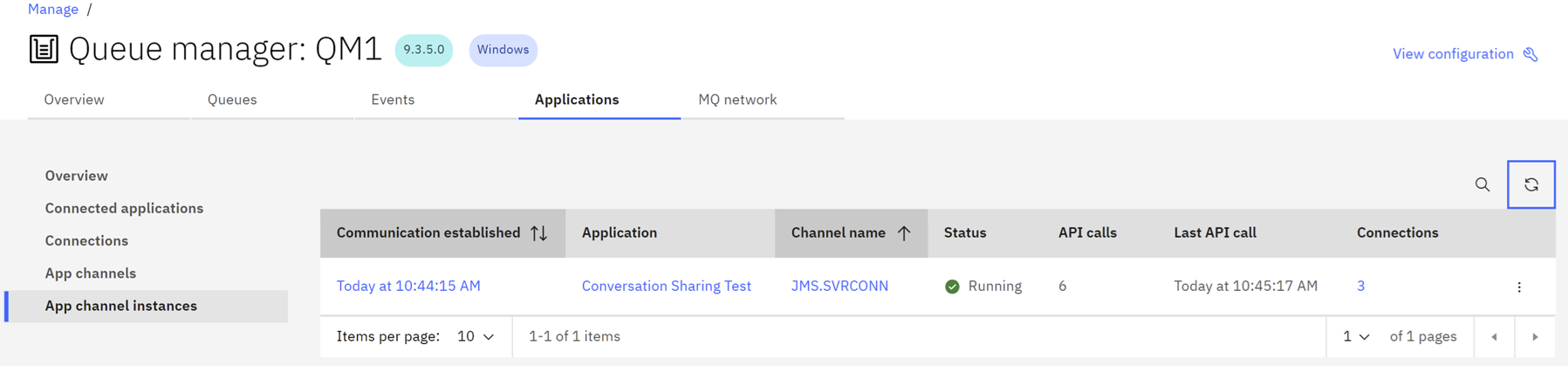
After the application wakes up, it creates a second JMSContext.

Now, the App channel instances page in the MQ Console shows that there are three conversations (or connections) on JMS.SVRCONN. The new one is the one for the second JMSContext.
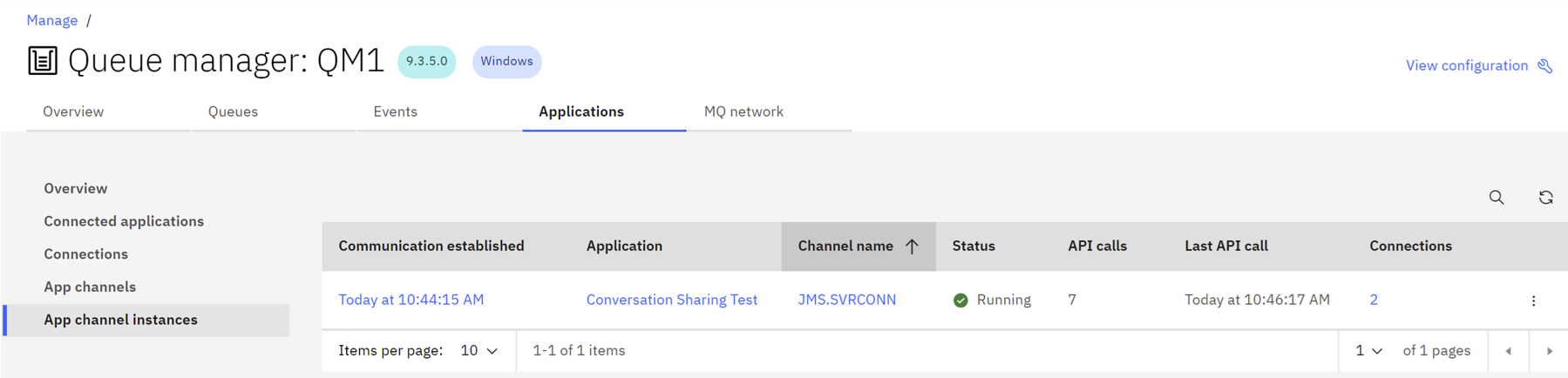
The application then closes the second JMSContext.

This causes the number of conversations (or connections) on the channel to drop back to 2.
Finally, the application closes the original JMS Context.

When this happens, the last two conversations on the channel instance are closed off and the instance shuts down.
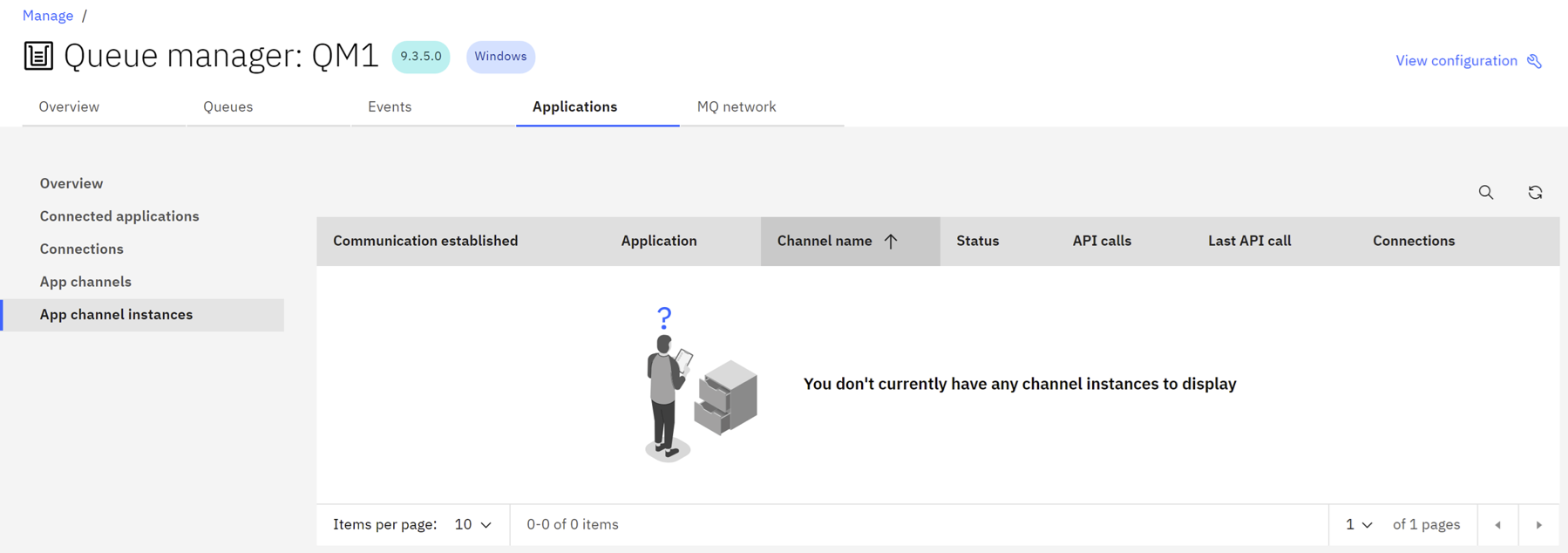
Re-running the application when SHARECNV is set to 1
Now, we will change the value of SHARECNV to 1 and re-run the test application to see what effect that has.
Once again, when the application starts up it creates a JMS Context and sleeps for 60 seconds.

When the JMSContext is created, it starts two conversations with the queue manager as before. However, because the value of SHARECNV is set to 1 on the channel, each conversation is allocated to its own channel instance.
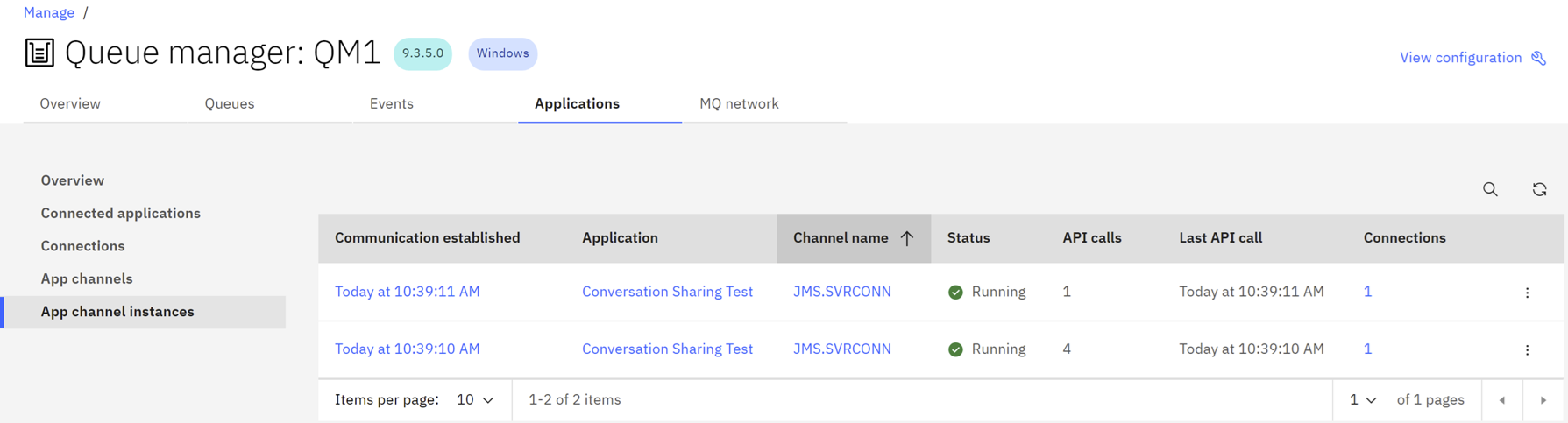
The next part of the application creates a second JMSContext.

Even though there are already two channel instances between the application and the queue manager, both of these instances are full. The value of SHARECNV for the channel is set to 1, and each of the instances already has 1 conversation on it. Because of this, a new channel instance is created for the conversation started by the new JMSContext.
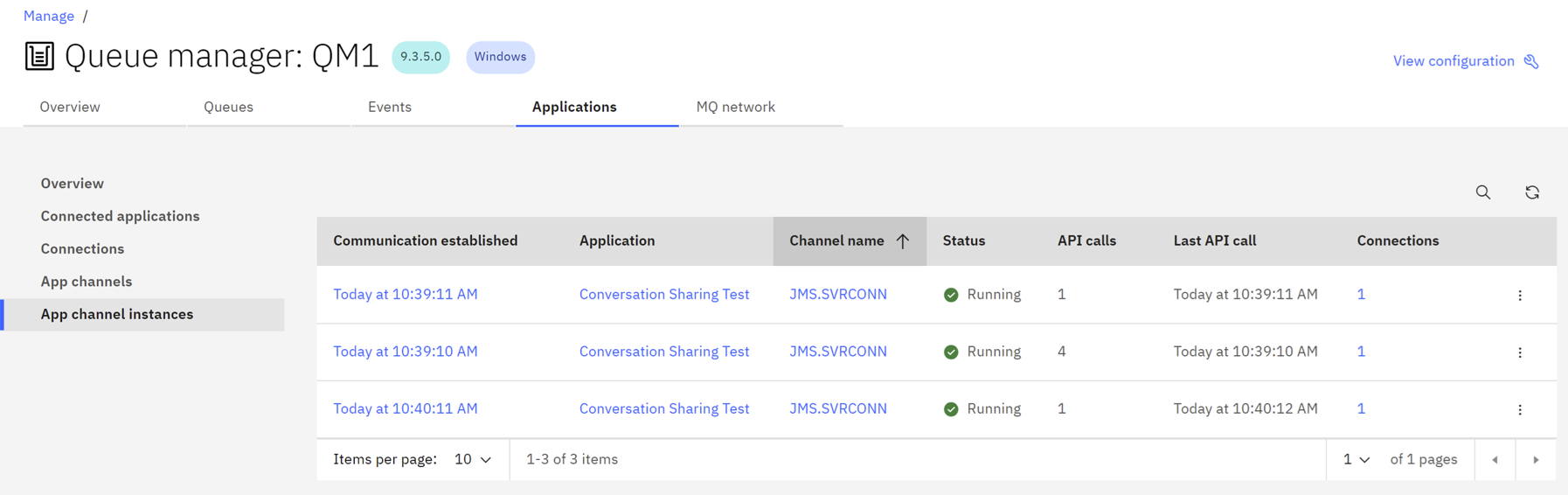
The application now closes the second JMSContext.

This causes its conversation with the queue manager to end. Because it was the only conversation on a channel instance, that instance is also closed which leaves only two instances running.
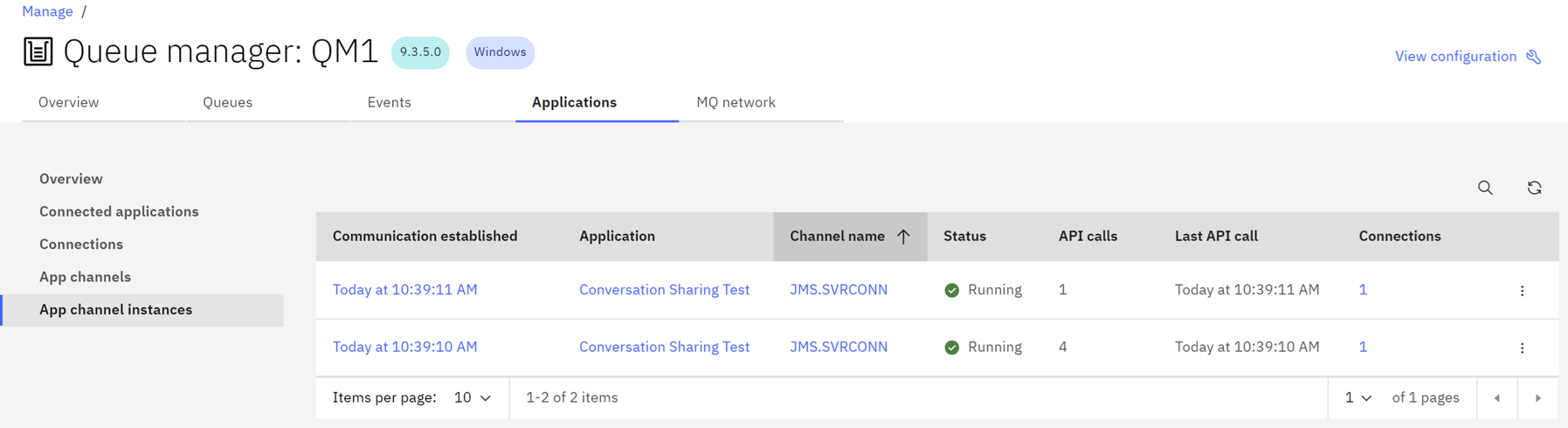
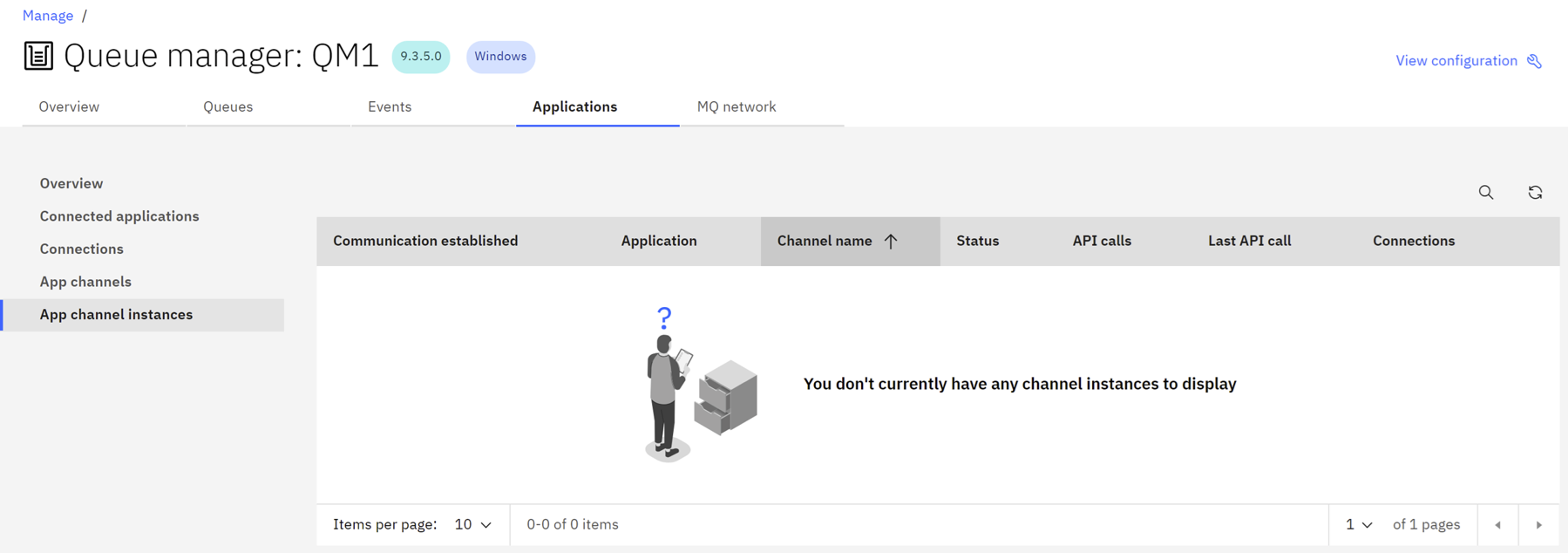
Finally, the application closes the first JMSContext.

The two conversations associated with the JMSContext are also closed off, which results in the channel instances stopping too.
Forcing SHARECNV to 1 from the application side
It is also possible to configure JMS applications to always use SHARECNV 1 regardless of what the channel attribute is set to on the queue manager. To do this, the application needs to be using a connection factory which has the SHARECONVALLOWED property set to the value NO.
To see how this works, let’s change the value of SHARECNV back to its default value of 10, edit the application to uncomment the lines shown below, and then recompile it.
//System.out.println("Setting SHARECONVALLOWED to NO on the connection factory");
//cf.setIntProperty(WMQConstants.WMQ_SHARE_CONV_ALLOWED, WMQConstants.WMQ_SHARE_CONV_ALLOWED_NO);
Now, when the application runs, it prints out a message indicating that the connection factory has the SHARECONVALLOWED property set to NO before creating the first JMSContext.

As before, creating the JMSContext results in two conversations being created with the queue manager. However, even though SHARECNV is set to 10, these conversations will be allocated onto their channel instances due to the connection factory property.
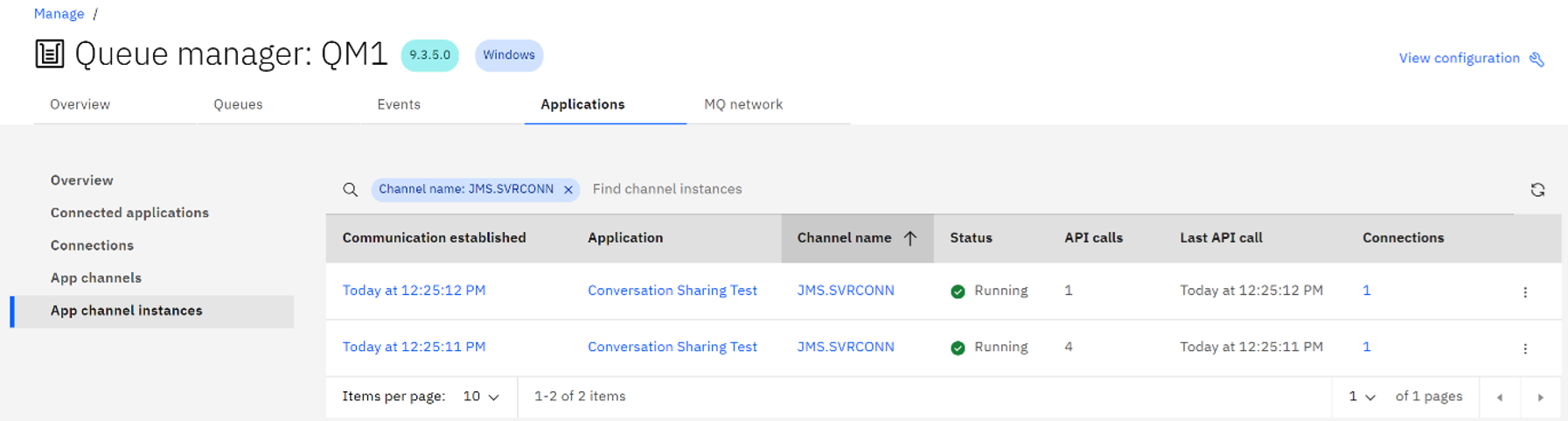
Next, the application creates the second JMSContext.

This results in another conversation being started between the application and the queue manager. Once again, this is assigned its own dedicated channel instance.
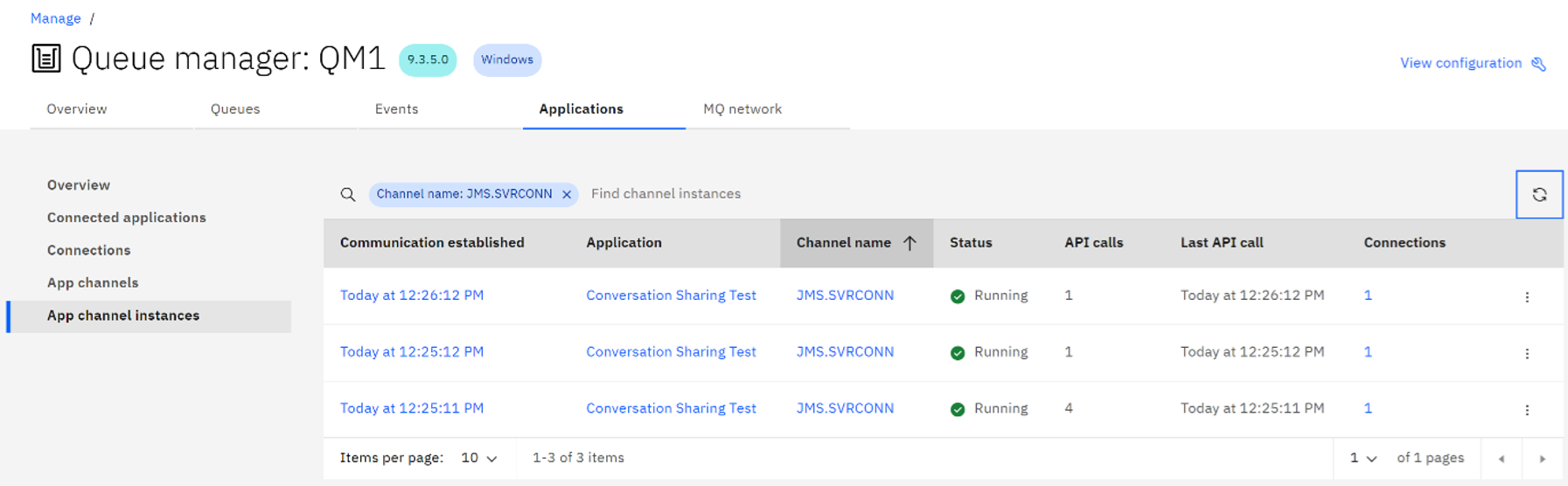
The application now closes the second JMSContext.

When this happens, the conversation associated with that JMSContext is closed, which in turn causes the channel instance that the conversation was using to close too.
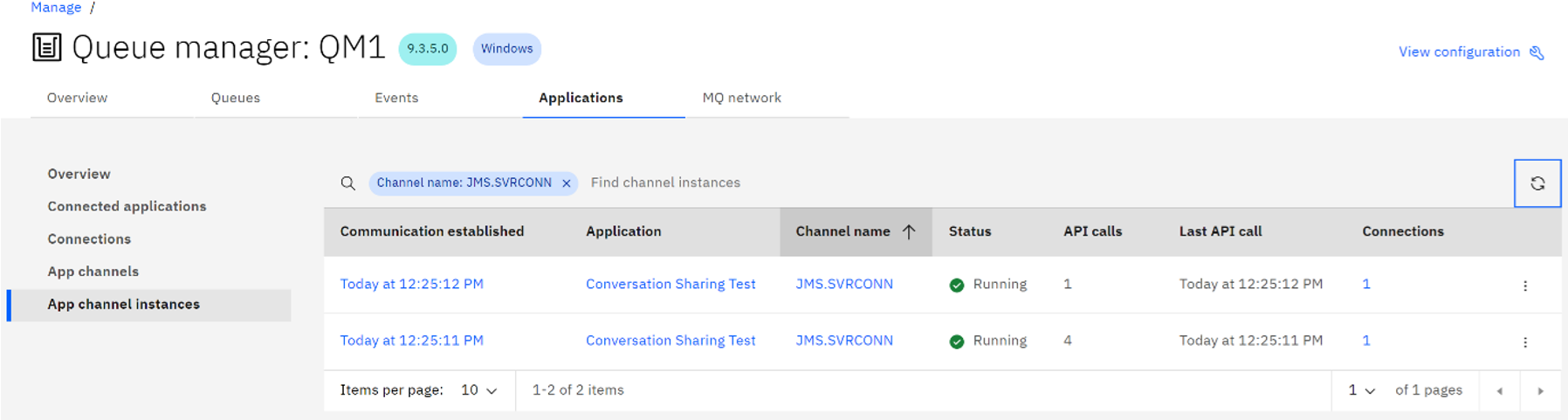
The last thing the application does is close the original JMSContext.

This results in the two conversations associated with the JMSContext to be closed too. Because each conversation was using its own channel instance, these instances are also closed.
Read more about SHARECONVALLOWED in the SHARECONVALLOWED topic in the MQ docs.
Summary and next steps
In this article, you learned about MQ conversations and how you can share conversations using the SHARECNV channel attribute. We demonstrated how SHARECNV works in JMS applications